Bounty Writeup w/o Metasploit
Reconnaissance
Run the nmapAutomator script to enumerate open ports and services running on those ports.
All: Runs all the scans consecutively.
We get back the following result.
We have one port open.
Port 80: running Microsoft IIS httpd 7.5
Before we move on to enumeration, let’s make some mental notes about the scan results.
The only port that is open is port 80 so this will definitely be our point of entry. The port is running an outdated version of Microsoft IIS. The scans didn’t report much information except for two directories aspnet_client and uploadedfiles that are available on the web server.
Enumeration
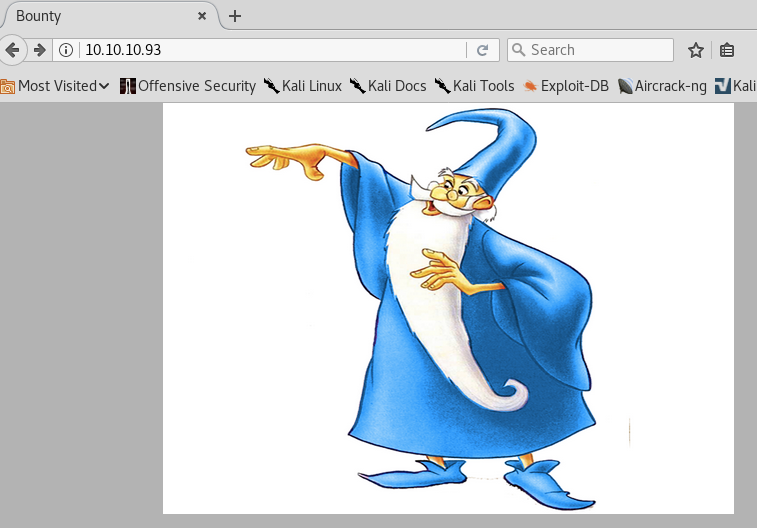
Visit the web application in the browser.
View the page source to see if it leaks any sensitive information.
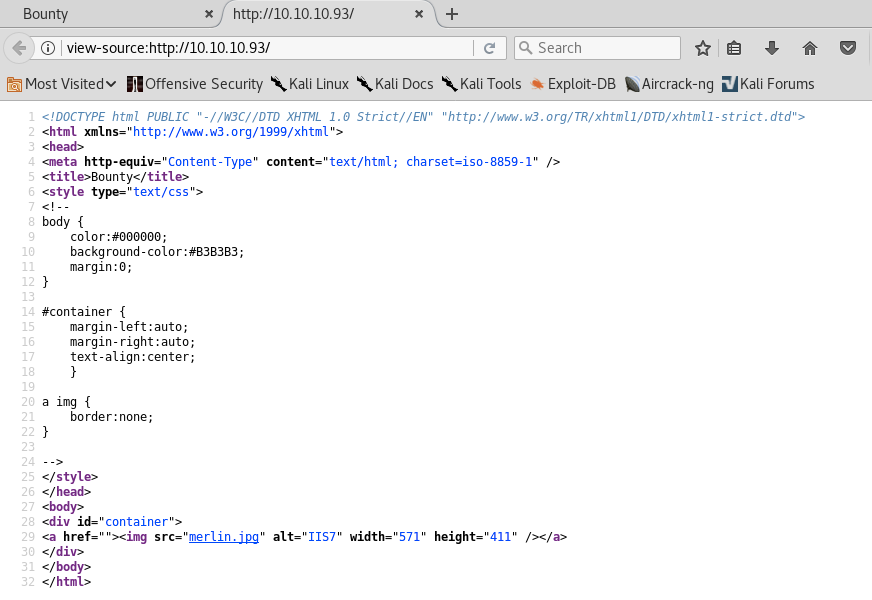
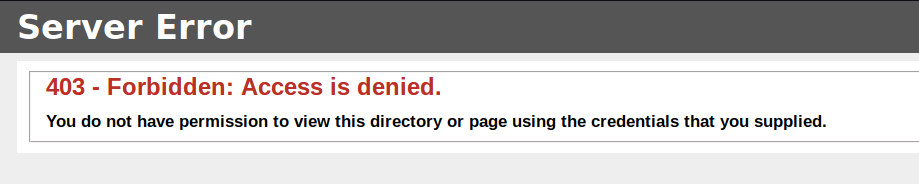
There doesn’t seem to be anything useful. The gobuster scan reported two directories aspnet_client and uploadedfiles. They both give us a 403 error.
Since this is the only port open, there has to be something on this web server that gives us initial access. Let’s run another gobuster scan with a larger wordlist.
dir: directory mode
-w: wordlist
-l: include the length of the body in the output
-t: thread count
-e: expanded mode, print full urls
-k: skip ssl certificate verification
-u: url
-o: output file location
We don’t get any extra results. Let’s try adding file extensions. Since this is a Microsoft IIS server, we’ll add ASP and ASPX files.
-x: file extensions to search for
We get back the following result.
Visit the transfer.aspx page.
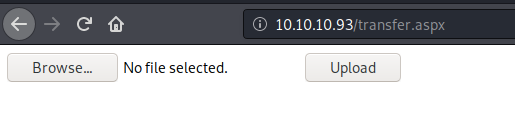
It’s a file upload functionality. Let’s first try and upload a PNG file.
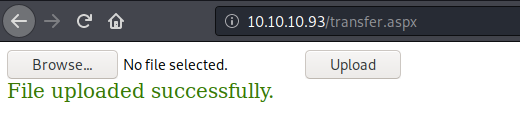
We get a “file uploaded successfully” message. We can view the image in the uploadedfiles directory that our original gobuster scan found.
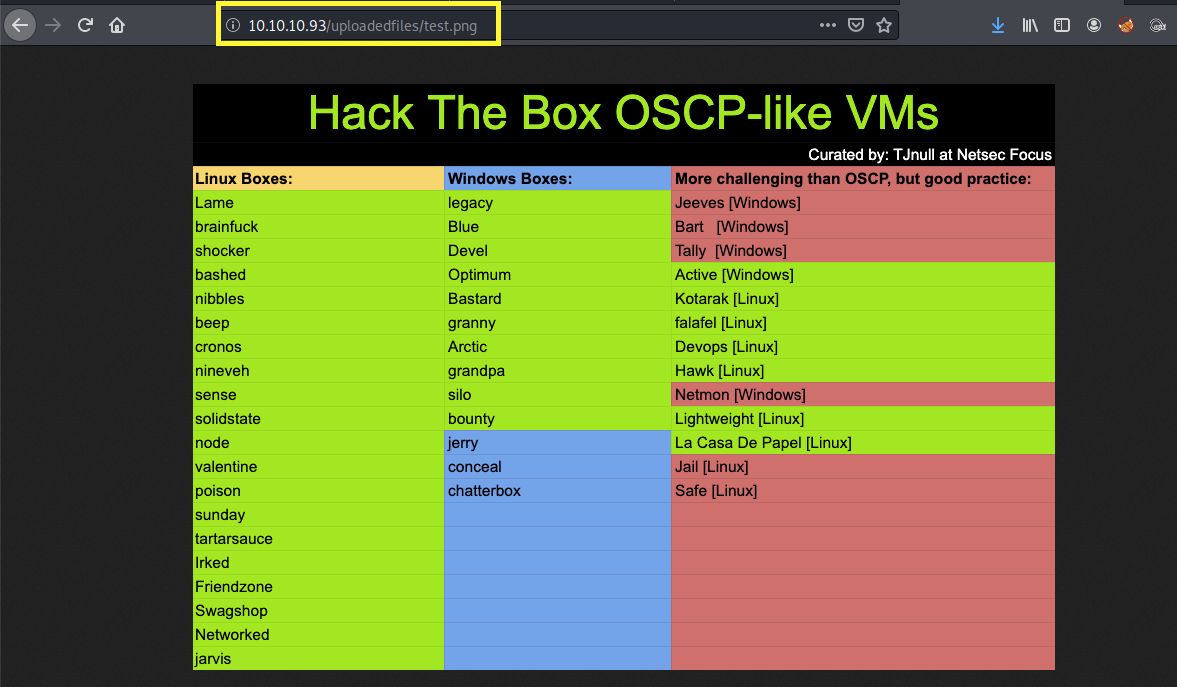
This is good news! If we somehow can figure out a way to upload a file that contains ASPX code on the web server, we can execute the code by calling the file from the uploadedfiles directory.
I tested the ASP and ASPX extensions but they both give me an “invalid file” error.
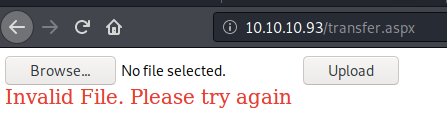
It does however accept the .config extension, so we can upload a web.config file. This is a configuration file that is used to manage various settings of the web server. We shouldn’t be able to upload/replace this file in the first place, but to make matters even worse, if you google “web.config bypass upload restrictions”, you’ll find this link, explaining how you could get remote code execution by simply adding ASPX code in the web.config file.
Let’s test it out. Copy the code from this link and save it in the web.config file. The code contains ASPX code that adds the integers 1 and 2 and outputs it on the screen. If we see the value 3 on the screen, we’ll know that we can run ASPX code using the web.config file.
Upload the file and view it.
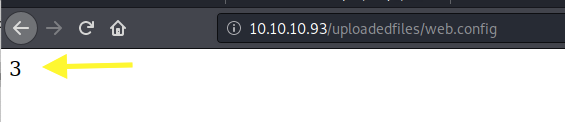
Perfect! Now we’re pretty confident that we can get remote code execution through this upload functionality.
Initial Foothold
Remove the ASPX code from the file and replace it with the following simple web shell.
The above code executes the whoami command and outputs it on the screen. Upload the web.config file and view it.
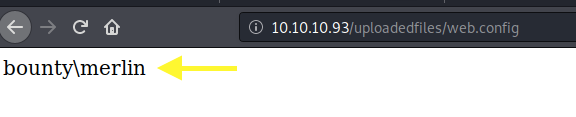
We definitely have code execution! Download the Nishang repository and copy the Invoke-PowerShellTcp.ps1 script into your current directory.
Add the following line to the end of the script with the attack machine configuration settings.
When called, this sends a reverse shell back to our attack machine on port 1234.
Setup a listener to receive the reverse shell.
Next, change the web.config file to download the PowerShell script and execute it.
Start up a python server in the directory that the shell script resides in.
Upload the web.config file and view it.
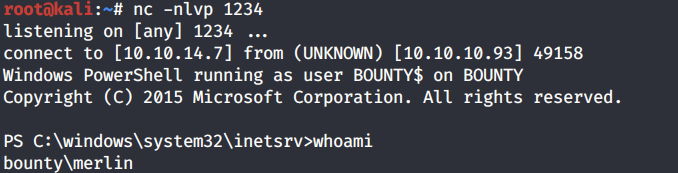
We get a shell! Let’s try to grab the user.txt flag.
The Desktop directory seems to be empty. Let’s use the attrib command to see if the file is hidden.

The file is there, it’s just hidden. View the user.txt flag.

Privilege Escalation
Run the systeminfo command.
It’s running Microsoft Server 2008 R2 and does not have any hot fixes installed, so it’s likely vulnerable to a bunch of kernel exploits. However, before we go down this route, let’s first check the system privileges that are enabled for this user.
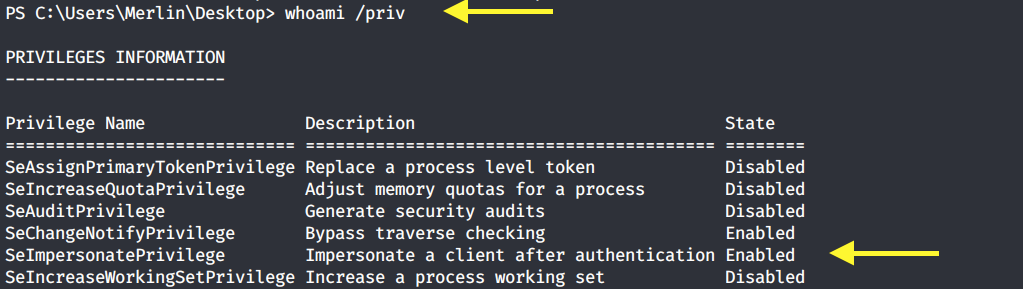
SetImpersonatePrivilege is enabled so we’re very likely to get SYSTEM using Juicy Potato. Users running the SQL server service or the IIS service usually have these privileges enabled by design. This privilege is designed to allow a service to impersonate other users on the system. Juicy Potato exploits the way Microsoft handles tokens in order to escalate local privileges to SYSTEM.
Let’s test it out. Grab the Juicy Potato executable from here and transfer it to the target machine using the following command.
Run the executable file to view the arguments it takes.
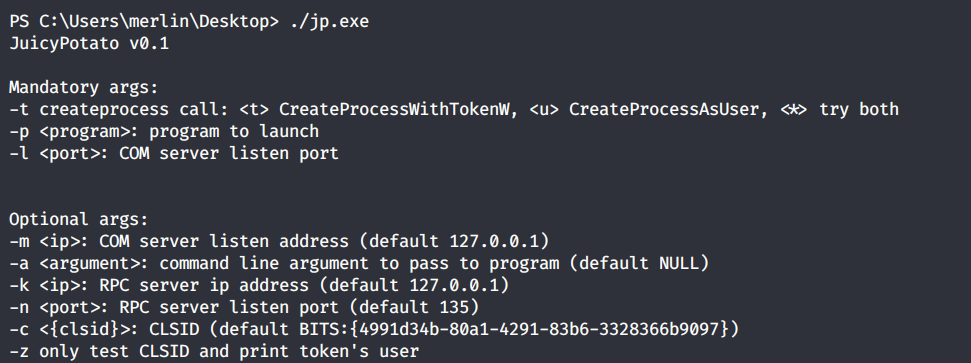
It requires 3 mandatory arguments.
-t: Create process call. For this option we’ll use * to test both options.
-p: The program to run. We’ll need to create a file that sends a reverse shell back to our attack machine.
-l: COM server listen port. This can be anything. We’ll use 4444.
First copy the Invoke-PowerShellTcp.ps1 script once again into your current directory.
Add the following line to the end of the script with the attack configuration settings.
When called, this sends a reverse shell back to our attack machine on port 6666.
Next, create a shell.bat file that downloads the above shell-2.ps1 PowerShell script and runs it.
Then download the shell.bat file on the target machine.
Setup a listener on the attack machine to receive the reverse shell.
Then run the Juicy Potato executable. This should attempt to get a token that impersonates SYSTEM and then run our shell.bat file with elevated privileges.
We get a shell back with SYSTEM privileges!
Grab the root.txt flag.

Lessons Learned
To gain an initial foothold on the box we exploited one vulnerability.
Insufficient input validation. The upload functionality of the website had insufficient validation on the type of files that can be uploaded. Therefore, we were able to upload a web.config file that contained ASPX code to gain an initial foothold on the system. Proper input validation checks should be put in place on all user input.
To escalate privileges we didn’t necessarily exploit a vulnerability but an intended design of how Microsoft handles tokens. So there’s really not much to do there but put extra protections in place for these sensitive accounts. That’s not to say that this box was not vulnerable to a bunch of kernel exploits. We saw that it is a Windows 2008 OS that has no patches installed. So if we didn’t escalate privileges using Juicy Potato, we could have easily done so using the many kernel exploits that this box is vulnerable to.
Last updated